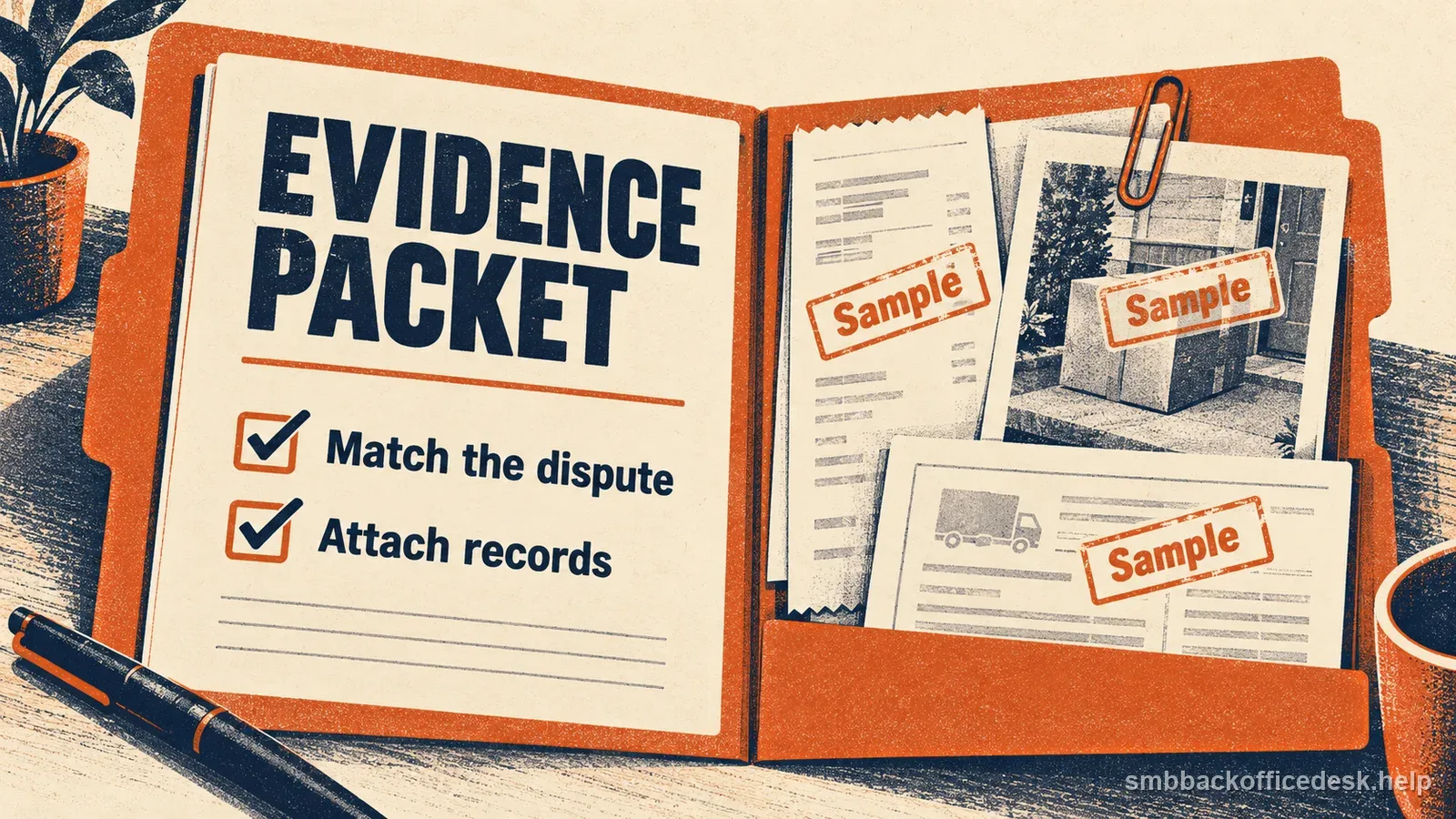
A credit-not-processed chargeback says the customer expected a refund, credit, or void that did not reach the card account as expected. The strongest response starts with the original payment and traces the promised amount through the request, processor event, settlement, and case notice. An order screen marked “approved” does not prove money moved.
First read the processor notice for its network, reason or condition, amount, case stage, and reply-by date. Visa calls one applicable condition 13.6, Credit Not Processed; other networks and providers may use different labels and evidence fields. This guide helps organize the record, but the exact portal instructions control. For the broader process, see the chargeback response overview and the evidence checklist. For a different claim about an item or service, use the not-as-described chargeback guide.
Identify exactly what credit was promised
Match the original transaction by order or invoice number, payment ID, date, amount, and currency. Then reconstruct the event that could create a credit: a cancellation, returned item, approved partial refund, duplicate payment correction, written customer-service promise, or voided transaction receipt. Preserve the policy or contract version shown at purchase and the customer’s request or acceptance. These records answer different questions: whether a credit was due, how much, and what the business promised to do.
For physical returns, connect the return authorization to the carrier scan and warehouse receipt if available. For service cancellation, identify the request date, effective date, delivered work, and any unearned or unused amount. If the business did not promise a refund or the terms did not make one due, show the terms the customer actually saw and the facts that apply to this request. A generic policy added after the purchase does not establish what was disclosed.
If the request was approved only in a support ticket, treat that as an internal decision until the payment processor confirms an external credit event. If a customer’s message and the order screen conflict, preserve both and explain the sequence without silently rewriting the promise.
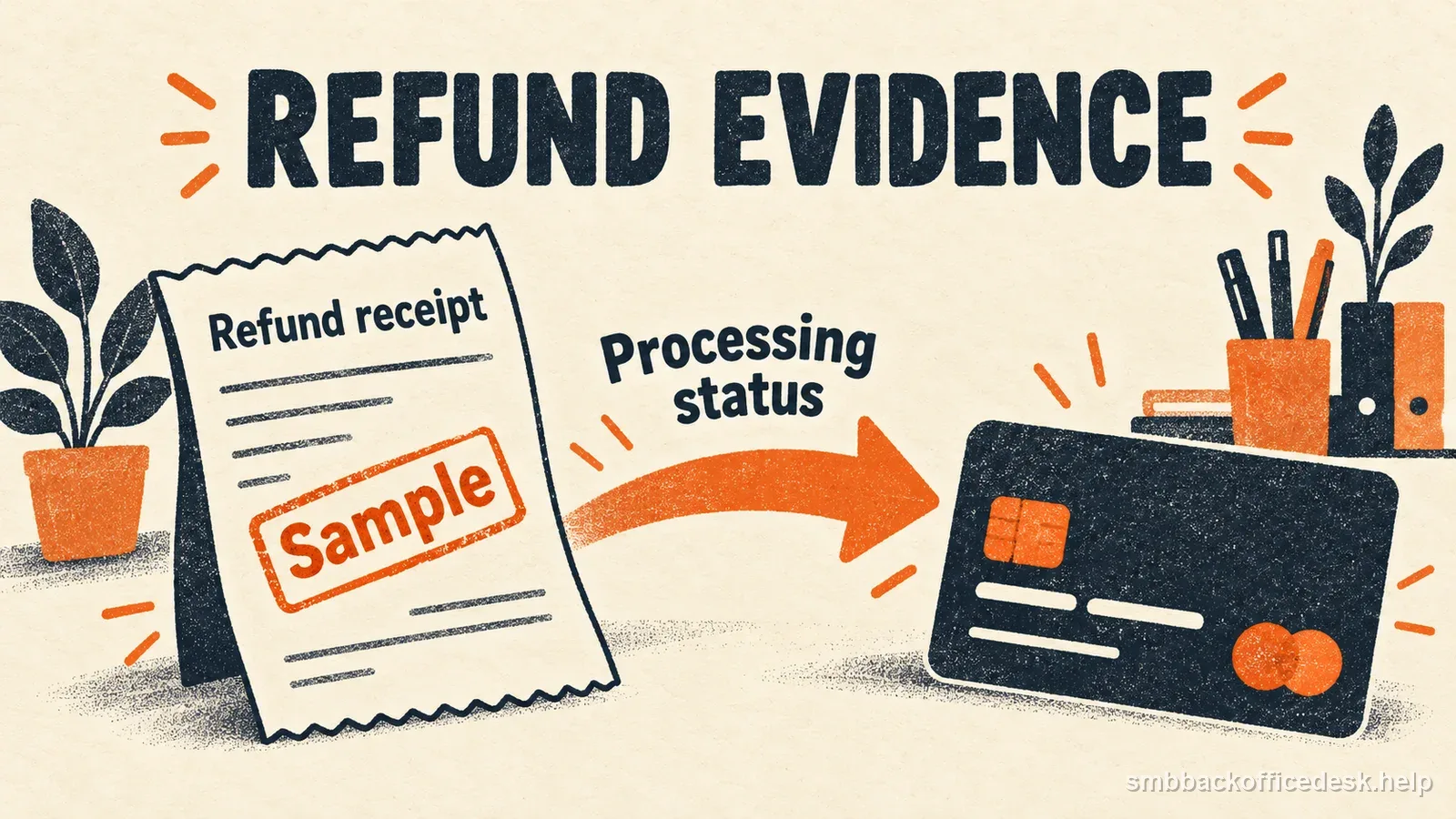
Record the initial promise and follow the credit through the processor before calling it complete.
Trace the credit from the processor record
For a completed refund, connect the refund or credit transaction ID to the original charge. Record the exact amount and currency, submission time, processor status, and any acquirer or settlement reference the portal provides. Add the relevant processor event or activity export, refund confirmation, and account statement or settlement entry when the provider requests them. Keep the customer confirmation beside the record so the reviewer can match transaction, amount, date, and communication.
Stripe’s sample packet for this dispute category begins with the original transaction and adds refund details, the payment-processor log, and the merchant account statement. That is a useful way to make the transaction traceable; it does not mean every platform has the same fields or that a screenshot alone is conclusive. Follow the evidence types and file format available in your own case portal.
A pending or failed refund is not the same as a succeeded credit. “Refund approved” in an order system proves staff authorization, not submission. A processor event showing that a request was sent is stronger, but check its final status and whether it was later reversed. If it failed, do not label it completed: fix the failure through the supported workflow and decide whether to accept the open dispute.
| Merchant record | Processor record | |
|---|---|---|
| Refund marked approved | Shows staff decision | May not show a credit was submitted |
| Credit initiated | Shows a request was sent | Check status and linked payment ID |
| Refund failed | Needs correction or case action | Do not present as completed |
Keep voids, reversals, refunds, and credits distinct
A void generally cancels an authorization or eligible transaction before it completes under the provider’s payment flow; a refund is a credit against an already processed transaction. A reversal can describe a processor or network event whose exact meaning depends on the payment system. Use the type and identifier shown in the case and processor ledger rather than calling every adjustment a refund.
Visa’s public April 2026 rules describe condition 13.6 as a claim involving an unprocessed credit or voided transaction receipt (and certain other defined cases). The current rules’ response-processing section describes evidence for a credit or reversal not addressed in the dispute, an invalid dispute, or a cardholder who no longer disputes it. Visa’s 2024 merchant guide gives practical examples such as a due credit that was not processed (accept the valid dispute), a credit already processed (provide the amount and processing date), and a cardholder who no longer disputes the transaction (provide their confirmation). Use that guide as an illustration; check the current processor notice and applicable rules for the actual case.
There is also a separate Visa timing detail effective for disputes processed on or after 18 April 2026: when the dispute-processing date is more than 120 calendar days after the transaction-processing date, Visa’s issuer-side requirements call for an explanation of why credit was requested late and information about ongoing negotiations. This is not the merchant’s reply deadline. Do not substitute it for the due date shown in your own processor portal.
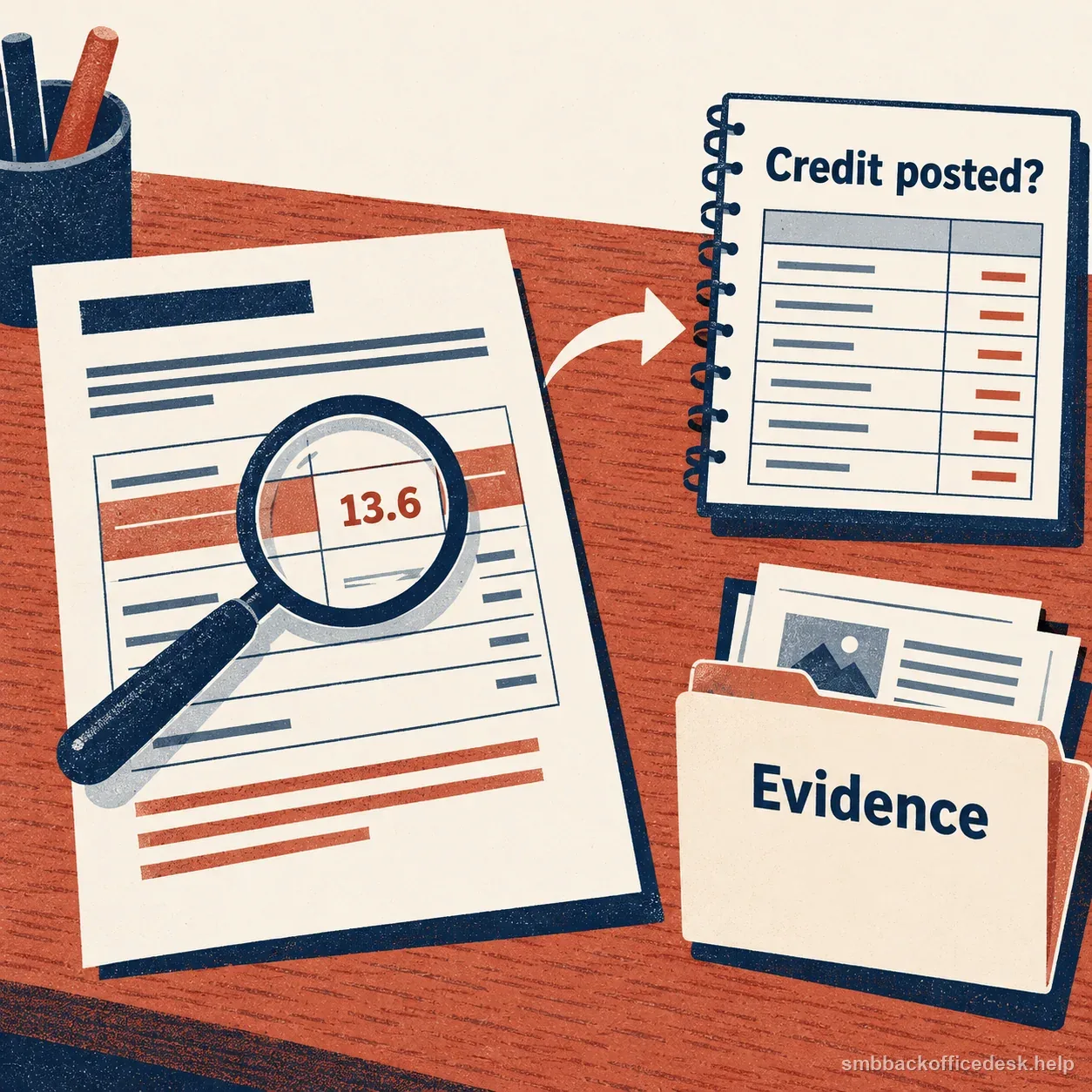
A transaction-specific record helps connect the processor notice with the refund or reversal evidence.
Reconcile partial refunds and alternate remedies
If the customer expected a partial refund, show the calculation from the original line items to the amount actually credited. For example, if a $240 order includes a $60 agreed credit and the processor records a completed $60 refund, identify the remaining $180 as the amount not included in that credit; do not suggest that this calculation alone proves the remaining charge is valid. If only one returned item qualifies, show its price, any disclosed deduction, and the matching refund amount rather than a vague “partial refund per policy.”
Store credit, replacement goods, or an exchange is a different remedy from a refund to a card. If the customer accepted that alternative, preserve their dated agreement, the amount or item delivered, and any terms disclosed before purchase. If the business relies on a store-credit policy, show that the customer saw and accepted it at the relevant time. Square’s documentation guidance likewise asks merchants to show the credit amount and availability or use, plus the accepted policy where store credit replaces a refund. Whether that resolves a card dispute depends on the case rules; do not assume the alternative automatically defeats the claim.
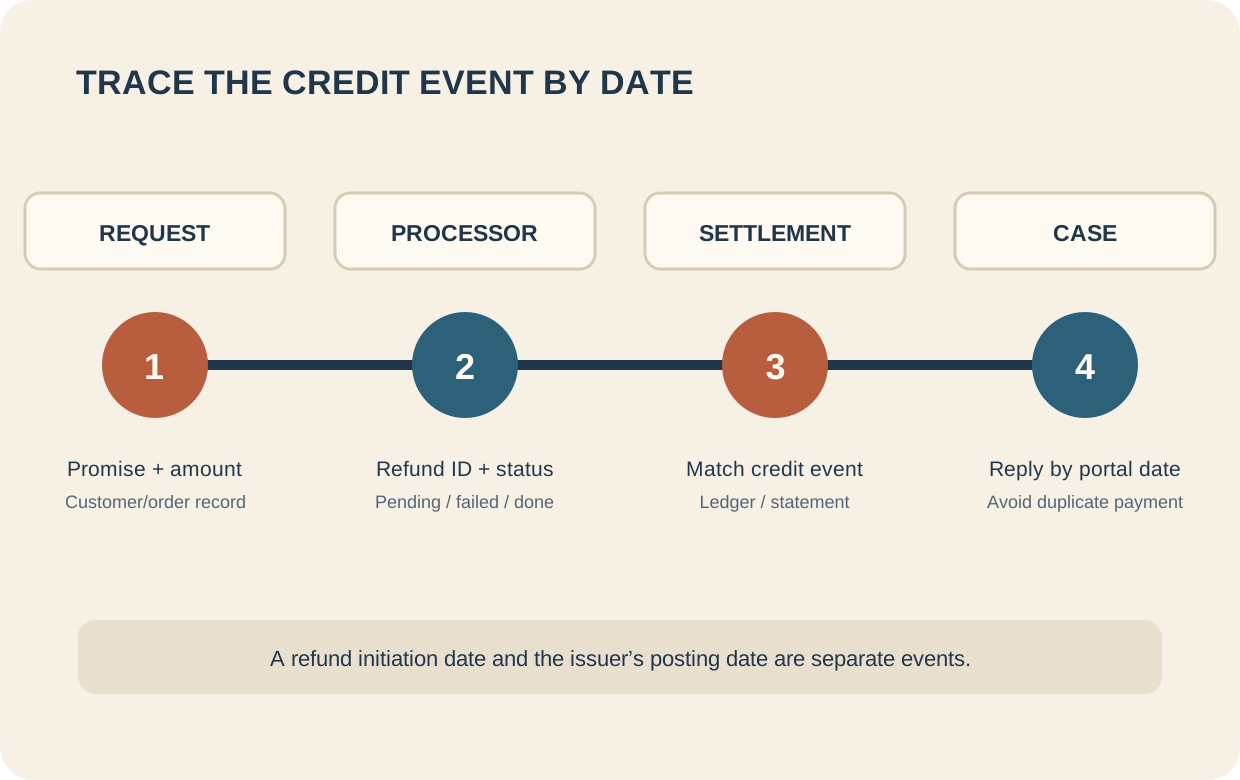
Keep the request, processor event, settlement check, and case response in date order.
Check case status before issuing another payment
When an inquiry or formal chargeback is open, inspect the provider’s current case stage and available actions before issuing a second refund. Some platforms permit an inquiry refund but restrict refunds after a chargeback opens; the options vary by processor and stage. Follow the portal’s instructions and record any amount already debited or credited. If the business chooses to accept a valid case, check whether the disputed debit already returns the funds so the customer is not paid twice.
If the case says the customer no longer disputes the payment, keep their clear written confirmation and submit it through the permitted field. A support agent’s assumption or a message that does not actually withdraw the claim is not equivalent. Keep private account or card details out of screenshots unless the processor explicitly requires them; redact unrelated customer data while leaving the disputed transaction verifiable.
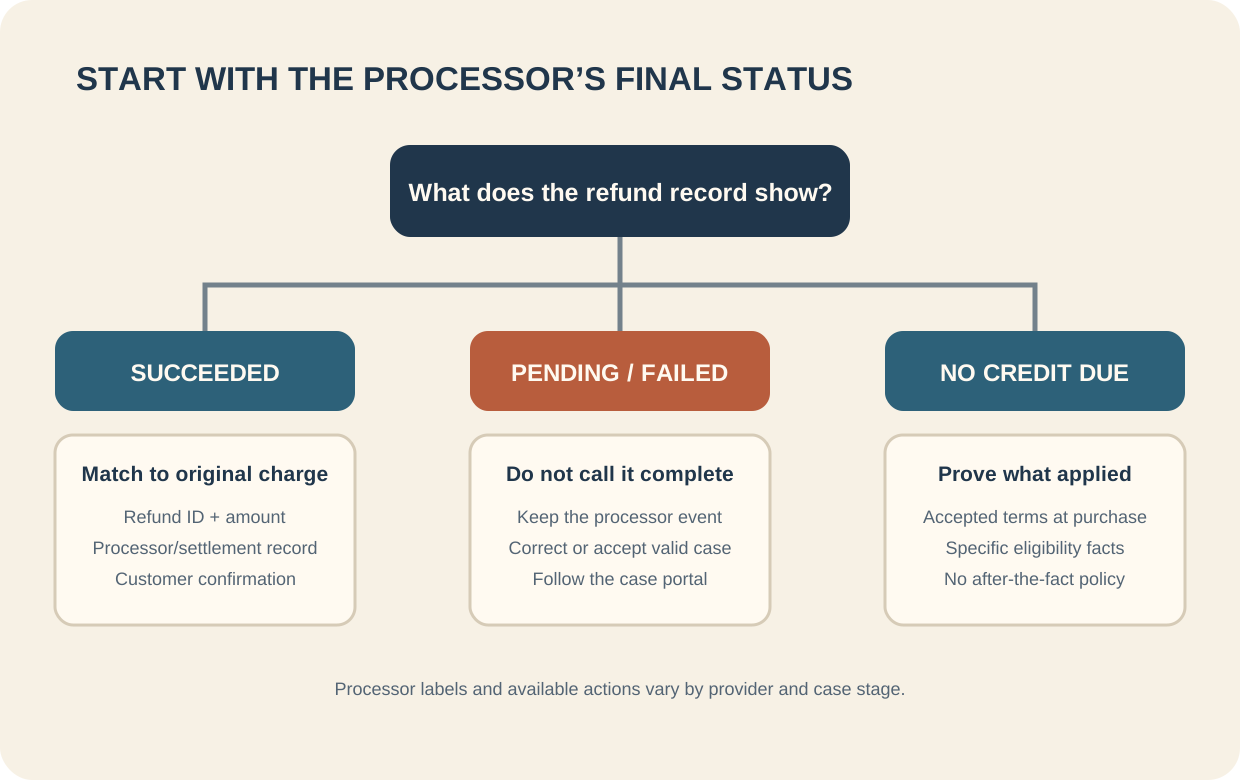
A decision flow separates completed credits, failed or pending refunds, and cases where no credit was due.
Assemble a concise evidence packet
A practical packet order is: (1) case notice and original transaction; (2) return, cancellation, void, or refund promise; (3) the processor’s credit event and status; (4) settlement or account record if relevant; (5) customer communications; and (6) a short explanation with exhibit references. Label each item with its source and date. If the claim concerns no refund due, put the accepted terms and the specific eligibility facts next to each other.
Before submission, confirm that the transaction IDs refer to the same payment, the amount and currency reconcile, dates distinguish initiation from completion, and every sentence points to a record. Remove duplicate or unrelated screens. Submit before the deadline in the portal and stay within its current file and format limits. Keep the original exports securely in case the provider requests clarification.
| What the record says | What it establishes | What to check next |
|---|---|---|
| Support ticket says “approved” | The business decided to refund | Was a processor credit actually submitted and completed? |
| Processor shows “pending” or “failed” | The credit has not been confirmed as complete | Correct the failure or handle the valid dispute through the portal |
| Processor shows succeeded with ID and amount | A credit event was processed by that provider | Match it to the original charge and include any available settlement evidence |
| Store credit or exchange was issued | An alternate remedy was recorded | Show customer agreement and the policy disclosed at purchase |
| Customer says the case is withdrawn | Possible evidence they no longer dispute | Preserve their clear dated message and submit it as the provider allows |
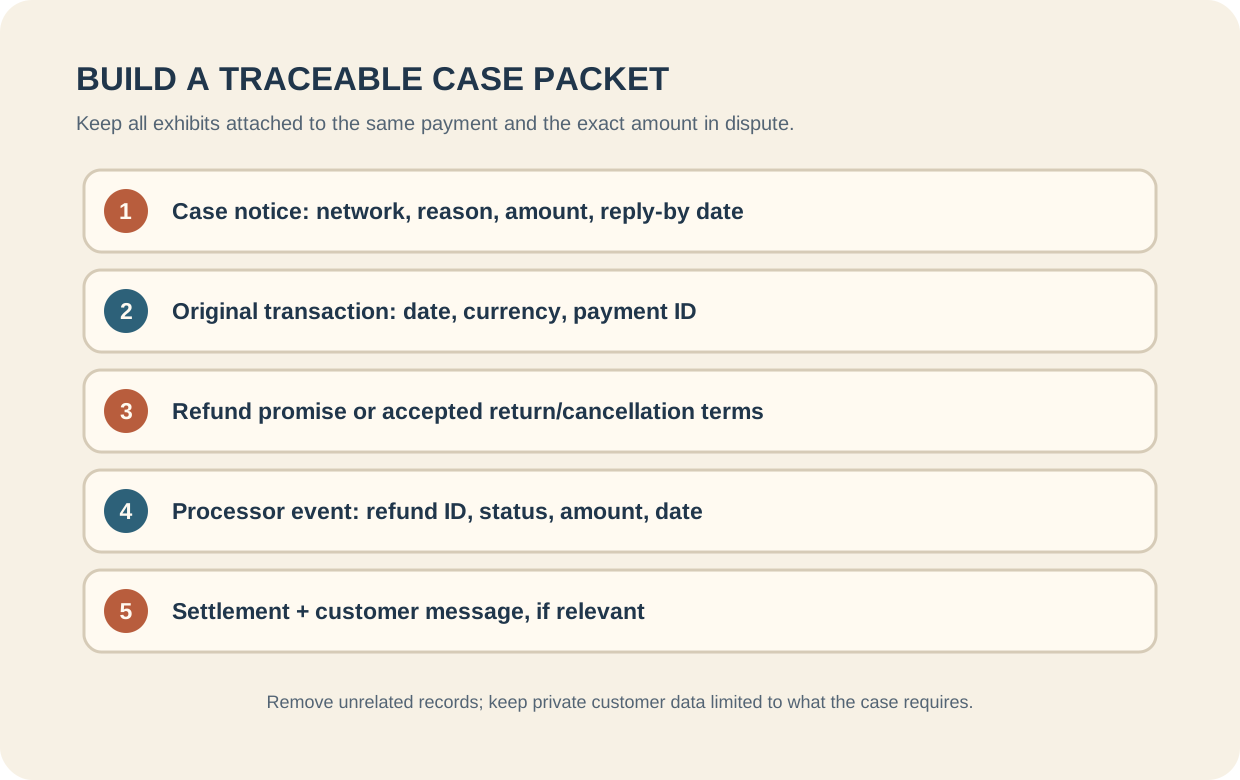
Arrange exhibits so the original payment, promised amount, refund event, and case status can be checked together.
Prevent the next refund from getting stuck
Use a queue with separate states such as requested, approved, submitted, succeeded, failed, and customer notified. Link every item to the original payment ID. Alert on refunds that remain approved but unsubmitted past the business’s own service target, and reconcile failed processor events regularly. Send confirmation when the processor accepts a credit and describe what that status means without promising when the issuer will display it.
Track time from request to submission, failures by reason, and duplicate-refund incidents. Review handoffs between support, accounting, and the payment system when delays recur. The point of the response packet is to make a fair, accurate record easy to verify: if the credit was due and never processed, resolve the case appropriately; if it was processed, connect the evidence to the original payment; and if no credit was due, show the accepted terms and the specific facts. The issuer or payment provider makes the decision.
- OrderIdentify return, cancellation, and promised amount.
- ProcessorMatch refund ID to original charge and status.
- SettlementCheck whether credit succeeded and when.
- CaseExplain overlap with any open chargeback; avoid duplicate credit.