A new sending domain has no history with Gmail, Yahoo, Microsoft, or other mailbox providers. Warmup is the process of building a consistent, wanted sending pattern while you learn how recipients and receiving systems respond. There is no universal provider-approved calendar that makes a domain safe at a fixed number of messages on a particular day. Google advises senders to authenticate, start with low volume, increase gradually, avoid bursts, and monitor spam and delivery signals. Treat any schedule as an internal experiment, not a deliverability guarantee.
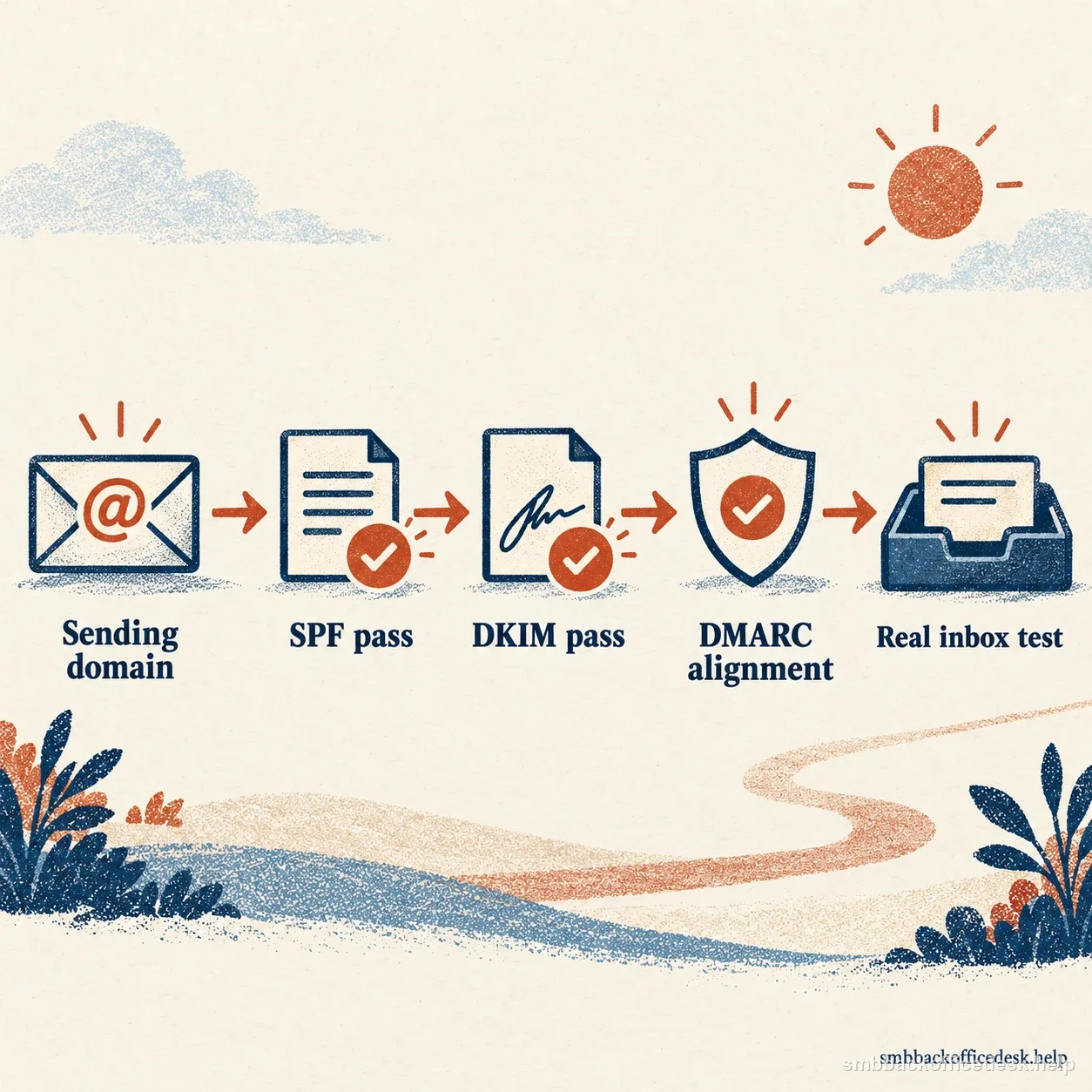
Test SPF, DKIM, DMARC alignment, and a real delivered message for every sending platform.
Day zero: make every sender visible before you send
List every system that can emit mail using the domain: human mailboxes, CRM, sequencing tool, newsletter platform, website forms, invoicing service, support desk, and transactional provider. For each one, record its visible From domain, return-path or envelope-from domain if exposed, DKIM signing domain and selector, message type, owner, and expected audience. This inventory matters because an overlooked form plug-in can send under the same brand while bypassing the authentication you tested for the newsletter platform.
Then send test messages through every production path to inboxes you control. In Gmail, open “Show original” and inspect SPF, DKIM, and DMARC results; in other receiving systems, use the message headers or your provider’s delivery diagnostics. The production message must pass. A DNS checker merely confirms that a record can be found; it does not prove the platform is signing with the intended key or that DMARC alignment succeeds on a delivered message. Common faults include an SPF record that omits a CRM, a DKIM record published while signing is disabled, and a From domain that does not align with the authenticated identity.
For Gmail, all senders to personal Gmail accounts need SPF or DKIM, and Google’s bulk-sender requirements add SPF, DKIM, DMARC, alignment, and one-click unsubscribe for qualifying marketing or subscribed messages. Yahoo’s bulk-sender guidance also calls for both SPF and DKIM, DMARC, aligned From, and a working unsubscribe path. Microsoft’s 5,000-message threshold for consumer Outlook services is a separate large-sender authentication rule; it is not a recommended warmup target or a quota for other providers. Check the current requirements for the destinations and message types you actually use. A small business can configure SPF, DKIM, and DMARC from the start, then monitor DMARC reports before considering a stricter enforcement policy.

List customer replies, operational messages, and marketing mail so each path can be checked in context.
Which reputation is new: domain, IP, or both
A new domain needs a cautious start even when your provider uses a shared IP with an established history. Conversely, a new dedicated IP needs its own ramp even if the domain has sent before. Domain and IP signals can both matter. Ask the sending provider whether your traffic is on shared or dedicated IPs, what other customers’ traffic can affect, which DKIM domain signs the message, and how to read throttling and rejection events. Avoid migrating providers and increasing volume in the same experiment; otherwise you cannot tell which change caused a delivery shift.
Keep streams distinct where practical. Marketing newsletters, one-to-one customer replies, password resets, receipts, and support notifications have different audiences and expected behavior. A dedicated subdomain can make configuration and reporting easier, but it does not guarantee that mailbox providers isolate reputation. Yahoo recommends separating bulk or marketing mail from user and transactional mail by IP or DKIM domain where appropriate; Google notes that other senders on a shared IP can affect reputation. Keep suppression lists synchronized so a bounced or unsubscribed address is not accidentally reintroduced by a second platform.
Warmup should represent the mail you intend to send. Artificial exchanges that simulate opens, clicks, or replies do not establish that real recipients want the message; Spamhaus explicitly warns against engagement-inflation services. Start with people who gave permission or have a legitimate, current relationship with the business. Keep list source, purpose, and cadence consistent. Open rates are not a universal provider threshold and can be distorted by privacy features; use them as a secondary campaign diagnostic, alongside actual SMTP responses, complaints where available, authentication results, and reputation dashboards.
| Established IP | New dedicated IP | |
|---|---|---|
| New sending domain | Ramp domain volume gradually; the established IP does not erase the domain’s new history. | Ramp domain and IP together, then monitor their signals separately where possible. |
| Existing sending domain | Keep the established pattern stable; investigate before increasing volume. | Ramp the new IP while preserving the familiar domain and message pattern. |
| First check | Confirm whether the IP is shared and inspect the DKIM signing domain. | Confirm PTR/reverse DNS with the provider and track deferrals by recipient provider. |
Domain and IP signals are separate; identify the change before choosing a ramp.
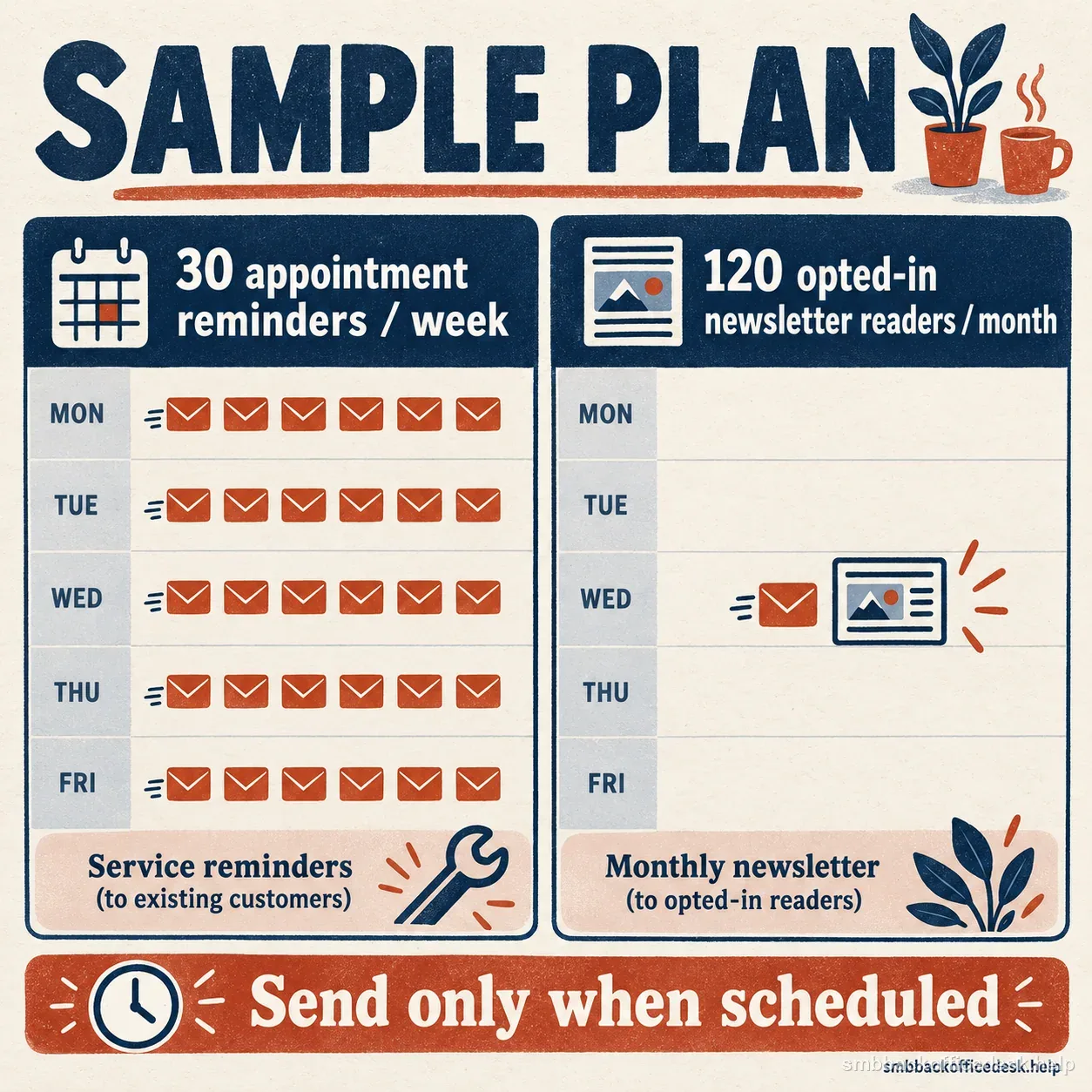
This hypothetical service-reminder and opted-in newsletter calendar shows normal scheduled mail, not a quota.
A four-week ramp is a test plan, not a provider limit
Providers do not publish one safe quota that applies to every new domain. Use a sequence of small, reviewable cohorts instead of copying a vendor’s daily table. The four-week outline below is a planning rhythm: Week 1 verify authentication and send expected operational mail to recognized recipients; Week 2 repeat the same message type and audience source while checking responses; Week 3 introduce only a modest, relevant cohort if earlier delivery remains stable; Week 4 approach the business’s normal cadence only when the evidence supports it. The weeks are checkpoints, not deadlines. A low-volume organization may need less change; a seasonal sender or a sender changing IPs may need a slower, longer observation period.
For a concrete planning example, imagine a local service business that normally sends 30 appointment reminders each week and one monthly newsletter to 120 opted-in customers. It should not create extra messages just to satisfy a warmup chart. It can verify the reminder path first, keep reminders at the normal operational cadence, then send the newsletter to the intended opted-in audience when scheduled and watch that campaign as its own stream. If it also plans prospect outreach, that is a different purpose and list source; it should be evaluated separately under applicable law, consent rules, provider policies, and the company’s suppression process.
Change one major variable at a time. Keep the sending system, recipient source, content type, and timing relatively stable while adjusting volume. Document the cohort date, recipient source, number accepted, hard bounces, temporary deferrals, complaints if supplied, and authentication results. Avoid interpreting one small sample as proof: a handful of successful messages does not establish future inbox placement. If traffic is low, collect evidence across several normal cycles rather than forcing a faster ramp.
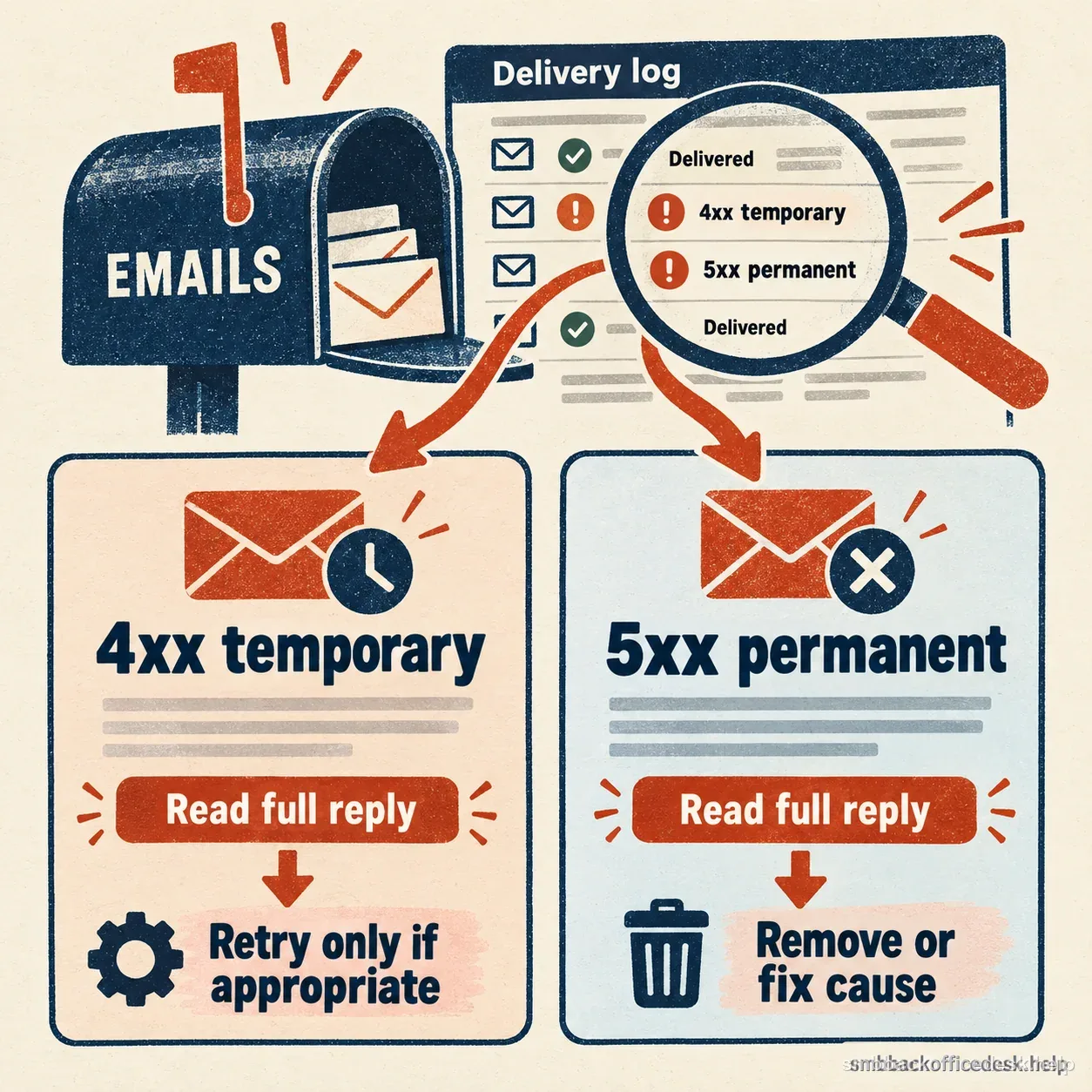
Separate temporary deferrals from permanent failures, then inspect the complete provider reply.
What to watch every morning
Start with SMTP outcomes. Separate permanent failures from temporary deferrals. A 5xx response may mean the address is invalid or the policy rejected the sender; do not keep retrying a permanent failure without understanding it. A 4xx response can indicate a temporary condition or rate limiting and deserves a different response. Preserve the full diagnostic text, destination provider, sending service, and timestamp because a generic “bounce” label often hides the useful clue. Compare like with like: transactional delivery should not be mixed into the same report as an unrelated prospecting campaign.
Inspect authentication on real received messages after any DNS or platform change. If SPF, DKIM, or DMARC fails unexpectedly, pause the affected stream and trace the From domain, return path, signing selector, and alignment before increasing volume. More sends will not repair a configuration fault. For Gmail traffic, Postmaster Tools can show spam rate, domain or IP reputation, authentication, and delivery errors when enough data is available. Low-volume senders may see sparse or missing data, so an empty chart is not a clean bill of health. Combine provider tools with your own delivery log, campaign history, and unsubscribe records.
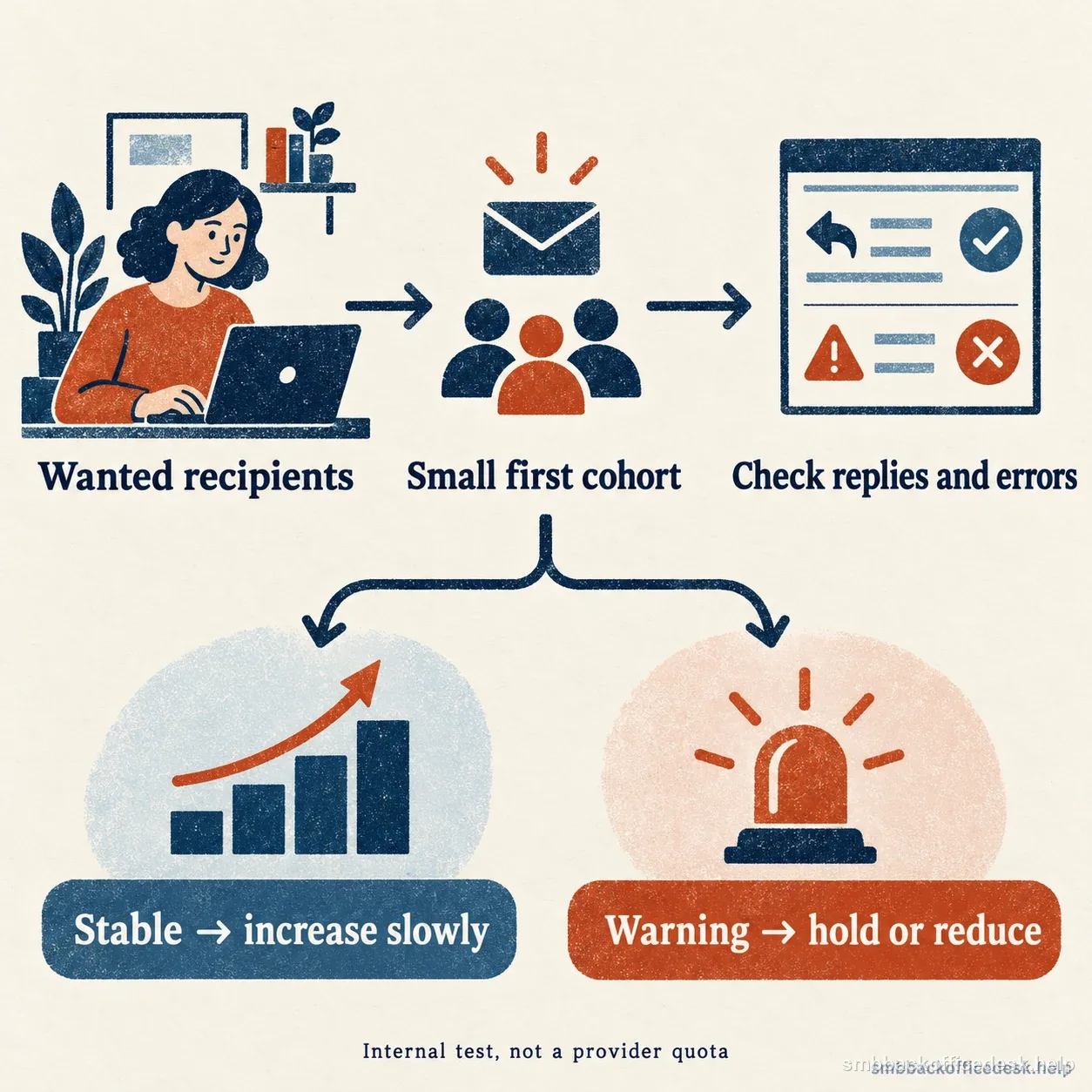
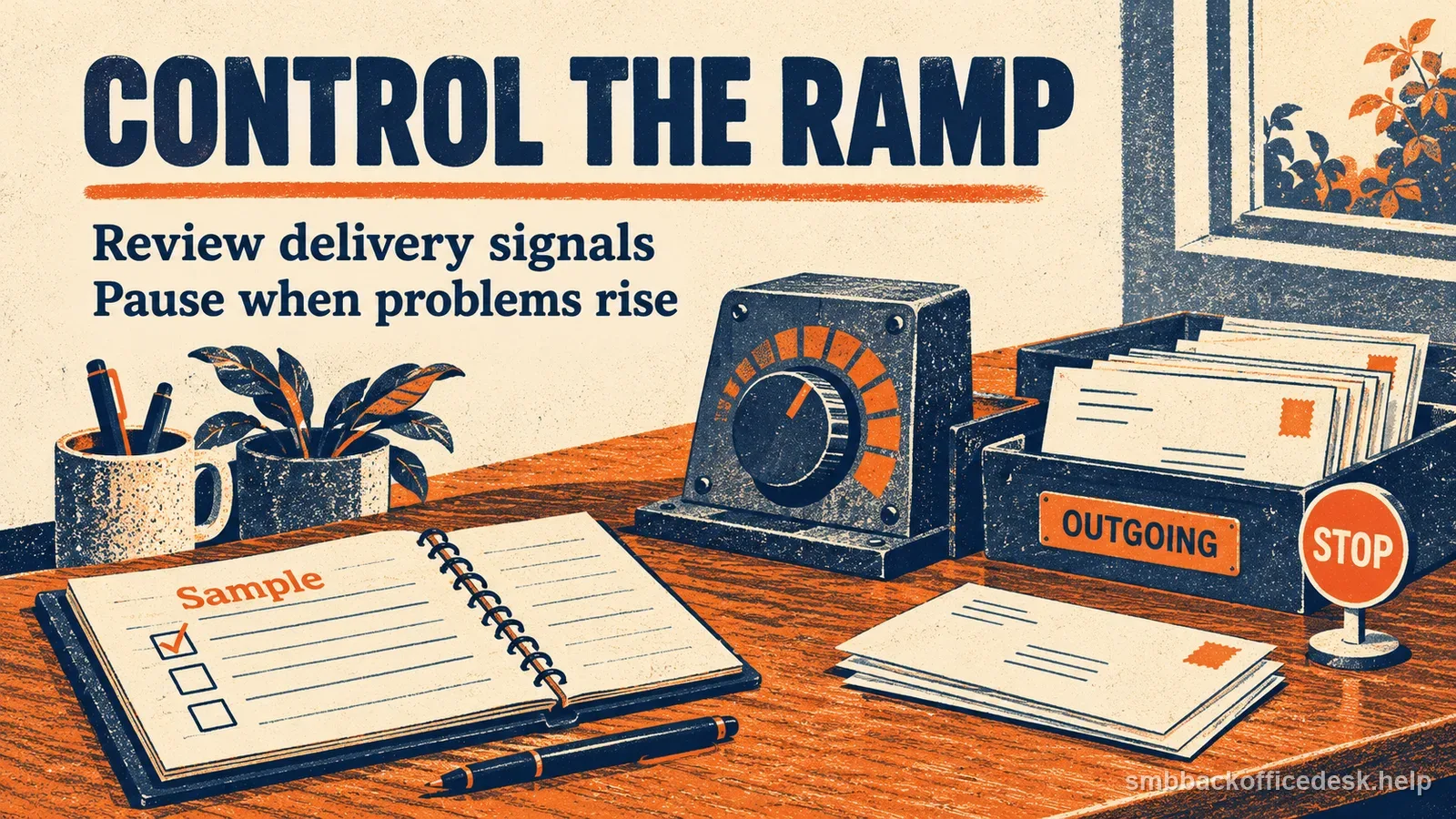
Increase gradually only when delivery signals remain stable; hold or reduce when warnings appear.
Hold the ramp when the evidence changes
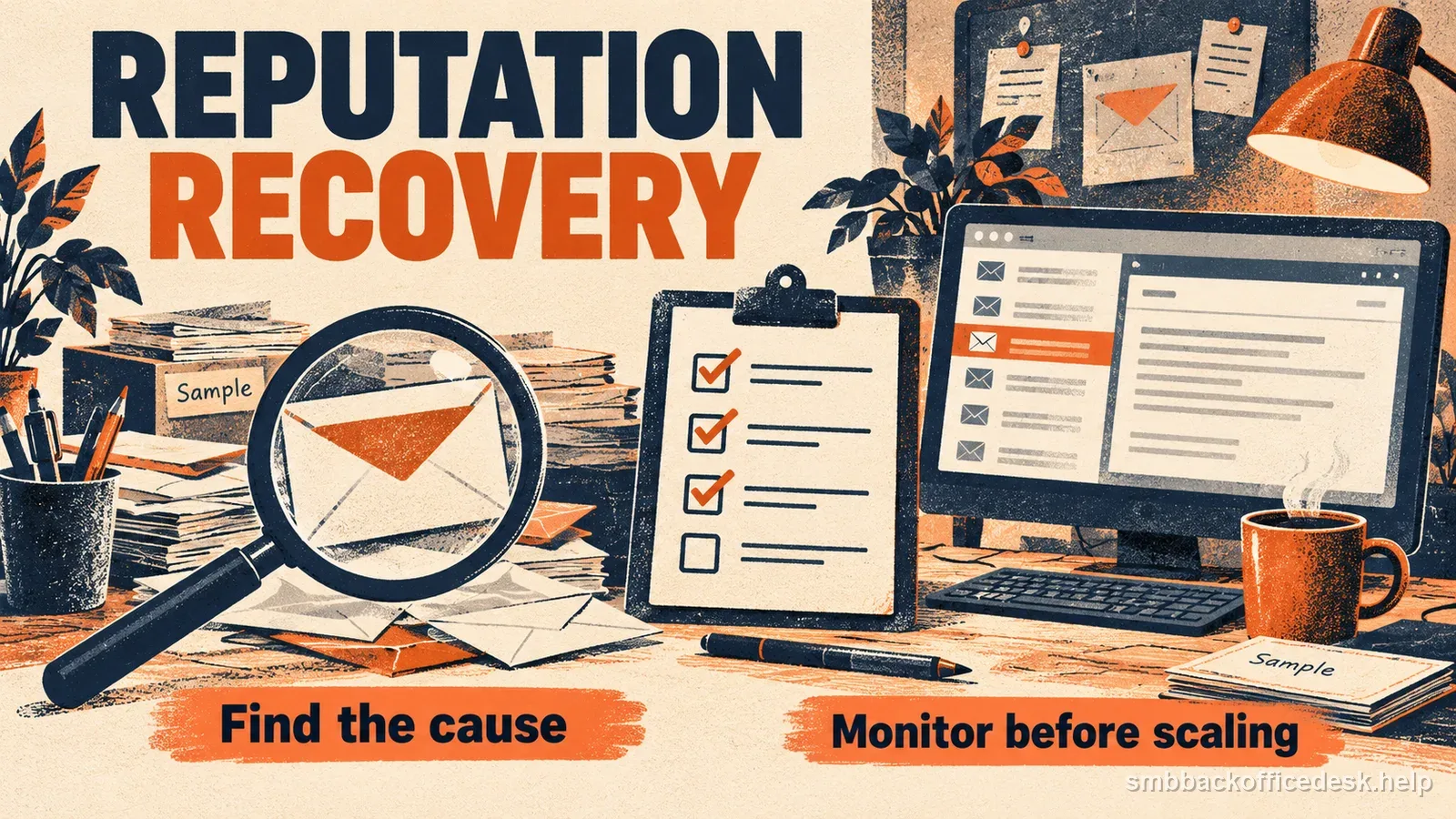
Stop increasing volume after a hard-bounce cluster, repeated rate-limit responses, new policy rejections, authentication failures, a complaint spike, or a sudden unexplained placement change. Keep the affected stream flat or reduce it while you investigate. Check whether the issue is limited to one provider, one mailbox, one list source, or a recent configuration change. Do not continue scaling because a spreadsheet says “week three.”
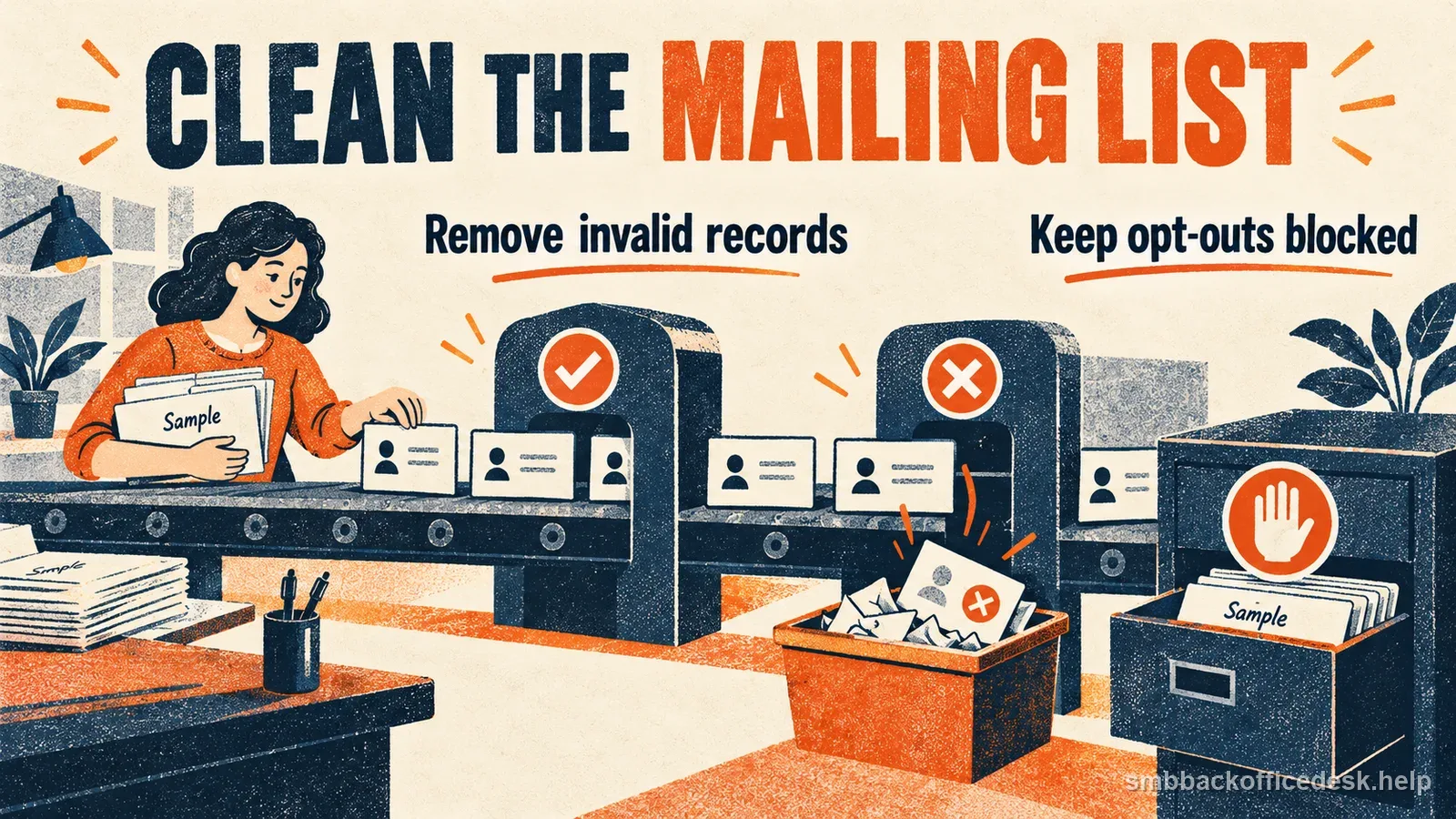
Also pause when a new list source, message purpose, or platform is introduced. Test it as a separate cohort and confirm that the recipients match the message they agreed to receive. Remove invalid addresses promptly, honor unsubscribes, and carry suppression data across tools. If historical contacts behave normally but one new segment produces most of the failures, fix that segment before blaming the domain. Do not switch IPs repeatedly to escape poor results; that can create more reputation uncertainty and does not fix unwanted mail.
| 5xx response | 4xx response | |
|---|---|---|
| What it can signal | A hard failure, such as an invalid recipient | A temporary condition or rate limit |
| Response | Do not retry an invalid address forever | Use a different response from a permanent failure |
| Keep | Save the full provider diagnostic text | Save the full provider diagnostic text |

Record accepted mail, bounces, deferrals, and the next action before increasing a sending cohort.
When the domain is actually “warmed”
Warmup is finished when the business has a repeatable, wanted sending pattern—not when a calendar expires. You should be able to name every sending service, show passing authentication on real messages, explain the audience and cadence, identify where bounces came from, suppress bad addresses, and justify the next volume change from observed evidence. Retain a short change log so the next person can connect a delivery problem to a DNS edit, a new list, or a campaign. Continue avoiding sudden bursts after the first month: reputation reflects ongoing behavior, not a one-time ritual.
A calendar phase does not override real delivery signals.
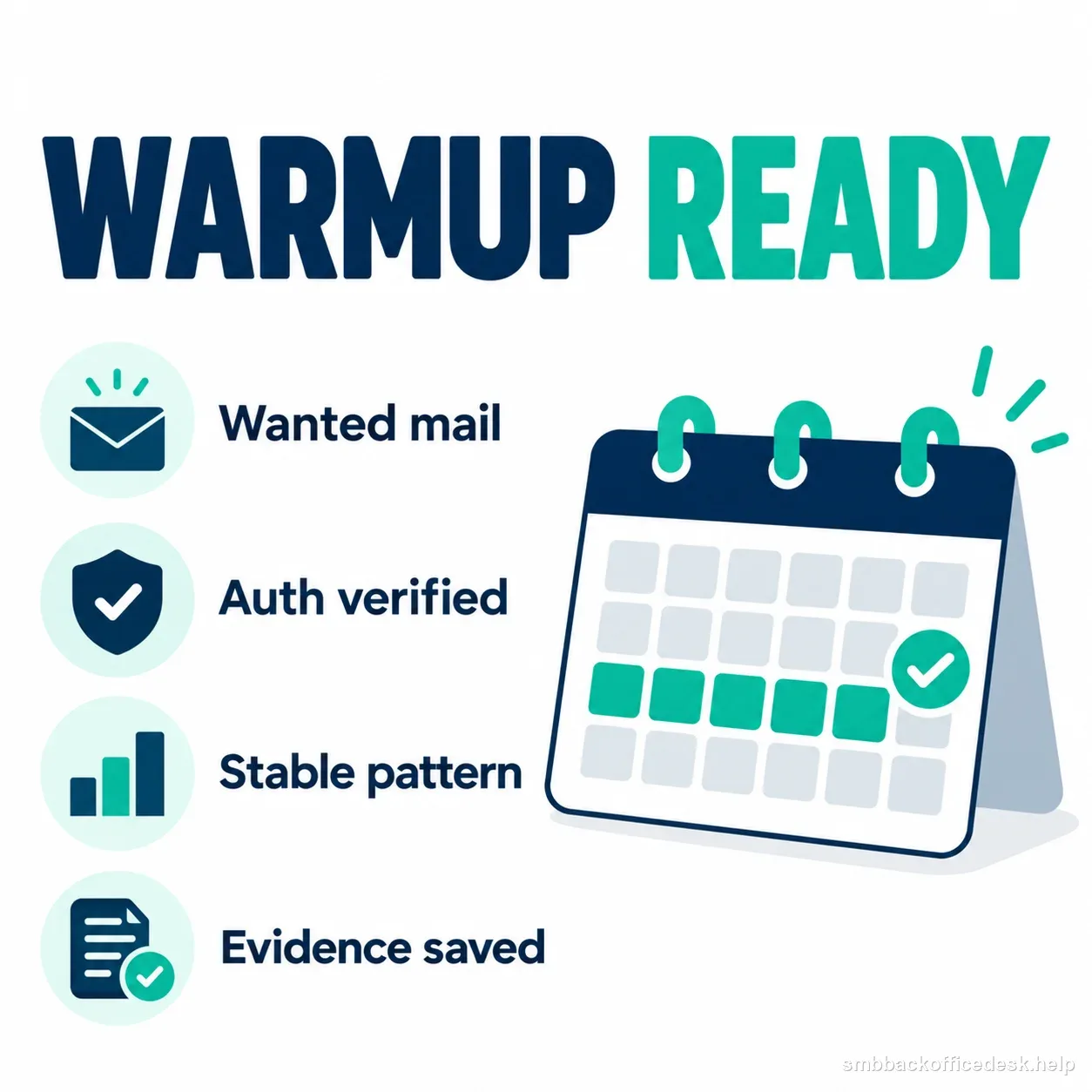
A steady pattern of wanted mail, verified authentication, and retained evidence matters more than the calendar date.