A duplicate-charge dispute starts as an accounting question: did two payments actually settle for the same obligation? Reconcile processor records before writing a response. Similar lines in a banking app or two orders in a storefront do not, by themselves, prove that two charges settled.
Pull processor-level transaction records
For each entry, capture the processor payment ID, order or invoice ID, amount and currency, authorization and capture times, current state, settlement or payout reference where available, and any void, reversal, or refund ID. Keep only payment-method details the processor permits you to disclose.
Use the processor ledger as the starting point, then connect it to the order system. A pending authorization can appear beside a later posted charge while only one payment settles. A storefront can also create two order records from one processor payment. Distinguish those cases before you describe the entries as charges.
Put the two entries side by side
If two captures settled against one order and there is no separate obligation, treat that as a likely true duplicate. Correct it through the processor’s permitted workflow and accept the dispute when the records support the customer. Then trace the cause: repeated submission, retry after a timeout, webhook replay, manual re-charge, or missing idempotency protection.
If there are two separate orders, show the order numbers, items or service periods, timestamps, receipts, and separate fulfillment records. Identical products and amounts can still be separate purchases; the distinct order and delivery or service trail must support that explanation.
| Entry A | Entry B | |
|---|---|---|
| Order | 4811 | 4839 |
| Time | Jun 2 10:14 | Jun 4 16:31 |
| Amount | $79 | $79 |
| Item | Filter kit | Filter kit |
| Tracking | 1Z…112 | 1Z…795 |
Check whether another payment method covered the same invoice
Some duplicate claims mean the customer says they paid cash, by check, bank transfer, or another card for the same obligation. Reconcile the invoice ledger and payment allocation. If an ACH payment covered the invoice and the card was also captured for it, the complaint may be valid. If the other payment covered a different invoice, identify both invoices and show the allocation rather than relying on a matching amount alone.
Read authorization, capture, settlement, and reversal states
An authorization may reserve funds; capture submits a payment for processing; settlement records the payment’s financial completion through the processor or acquirer. A void or reversal can cancel an authorization or undo a payment according to that processor’s flow. A refund is a separate credit against a processed payment. Status names and timing differ by provider, so use that processor’s transaction history rather than a generic banking-app explanation.
For an integration, compare gateway request IDs, payment IDs, and idempotency keys. If a request timed out and a retry used a new key, two payments may have been created from one customer action. If the processor shows one payment but the storefront shows two orders, the duplicate is in the order records rather than the card ledger. State exactly what happened; do not claim that banks always show two charges.
When the storefront, gateway, and bank views disagree, read the pattern against the processor ledger:
| What the records show | What it means | What to do |
|---|---|---|
| Two captures settled against one order, with no separate obligation | A likely true duplicate | Correct it through the processor's permitted workflow, accept the dispute if the records support the customer, then trace the cause: repeated submission, retry after a timeout, webhook replay, manual re-charge, or missing idempotency protection |
| A pending authorization beside a later posted charge, with only one payment settled | One charge, not two | Describe the entries accurately and show the settled payment in the processor ledger |
| One processor payment but two storefront orders | The duplicate is in the order records, not the card ledger | State exactly what happened; do not claim that banks always show two charges |
| Two separate orders with the same item and amount | Possibly two real purchases | Show the order numbers, items or service periods, timestamps, receipts, and separate fulfillment records |
| Cash, check, bank transfer, or another card also covered the same invoice | The complaint may be valid | Reconcile the invoice ledger and payment allocation |
| The other payment covered a different invoice | Not necessarily the same obligation | Identify both invoices and show the allocation rather than relying on a matching amount alone |
| A request timed out and the retry used a new idempotency key | Two payments may have come from one customer action | Compare gateway request IDs, payment IDs, and idempotency keys |
| A refund was already issued for the duplicate | The refund is a separate credit against a processed payment | Keep the refund ID linked to the original payment ID, and do not refund again after the chargeback has debited the funds unless the processor instructs you to |
- AuthorizationA hold may appear before a payment settles.
- CaptureMerchant submits the authorized payment.
- SettlementCheck whether the processor records a completed payment.
- Void or reversalConfirm whether the authorization or payment was reversed.
- RefundMatch a separate credit to the original payment ID.
- Payout checkReconcile settled entries against the batch or payout.
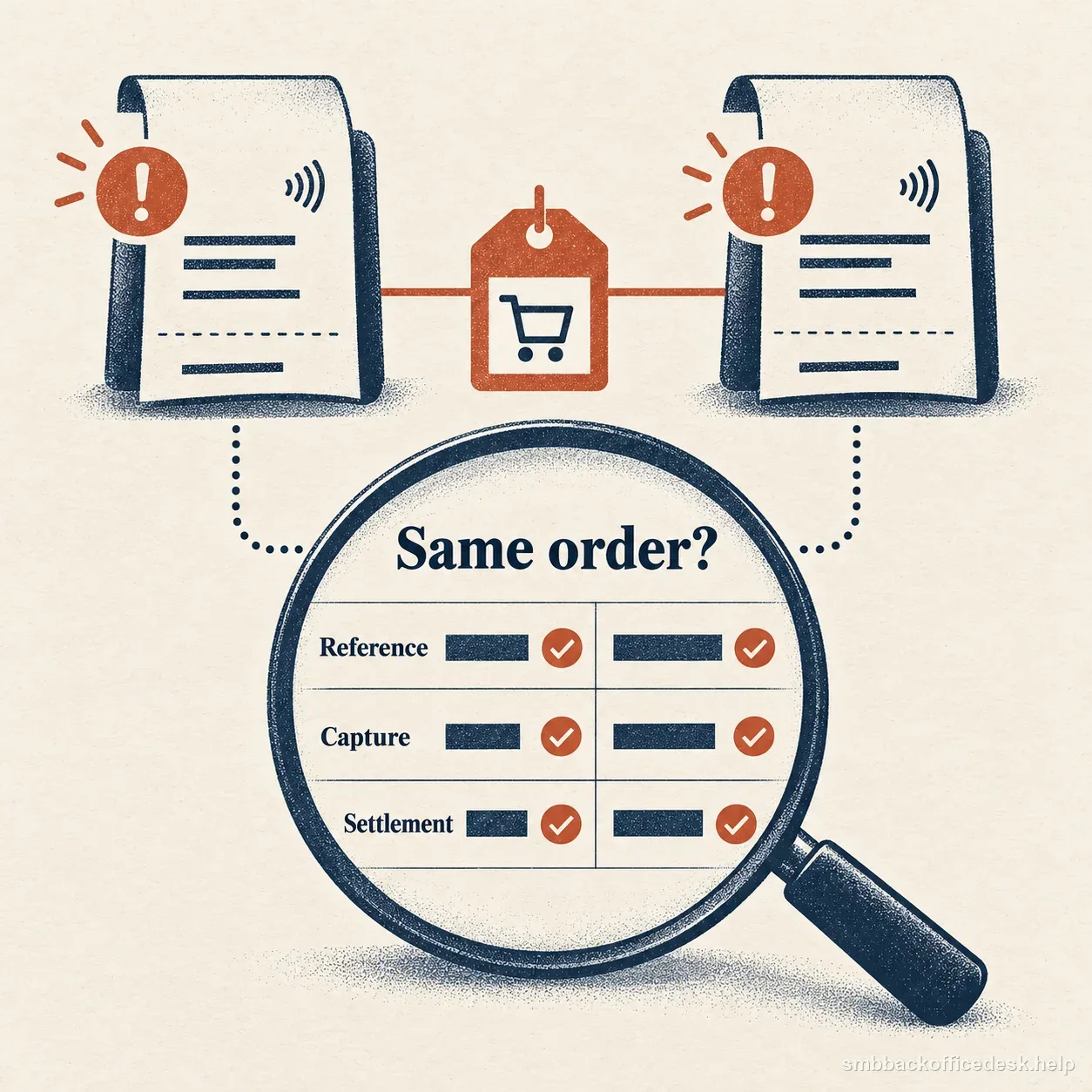
A comparison sheet highlights matching order references, captured transaction records, and settlement entries when checking whether two charges belong to the same purchase.
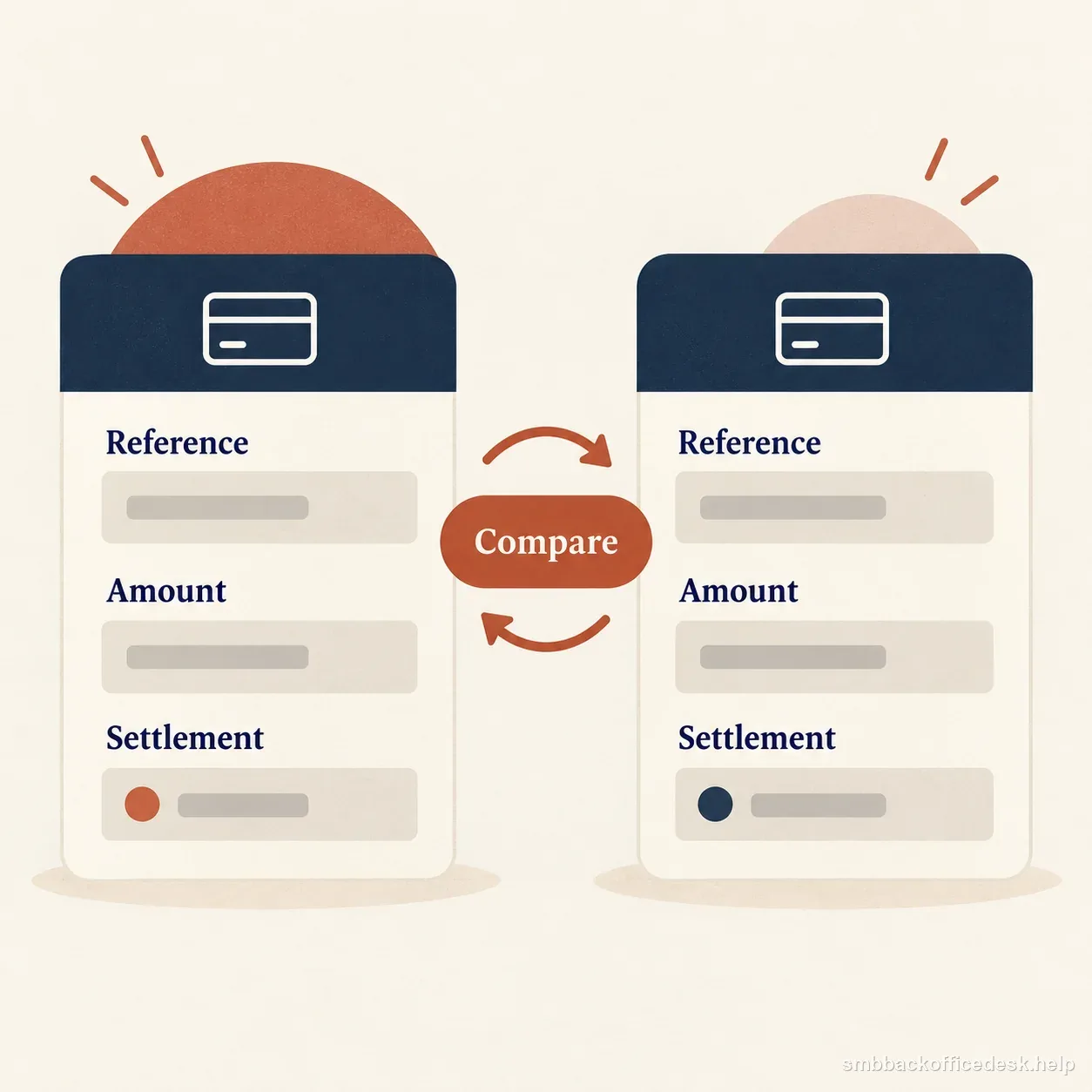
Two transaction records are compared by reference, amount, and settlement status without assuming they are duplicates.
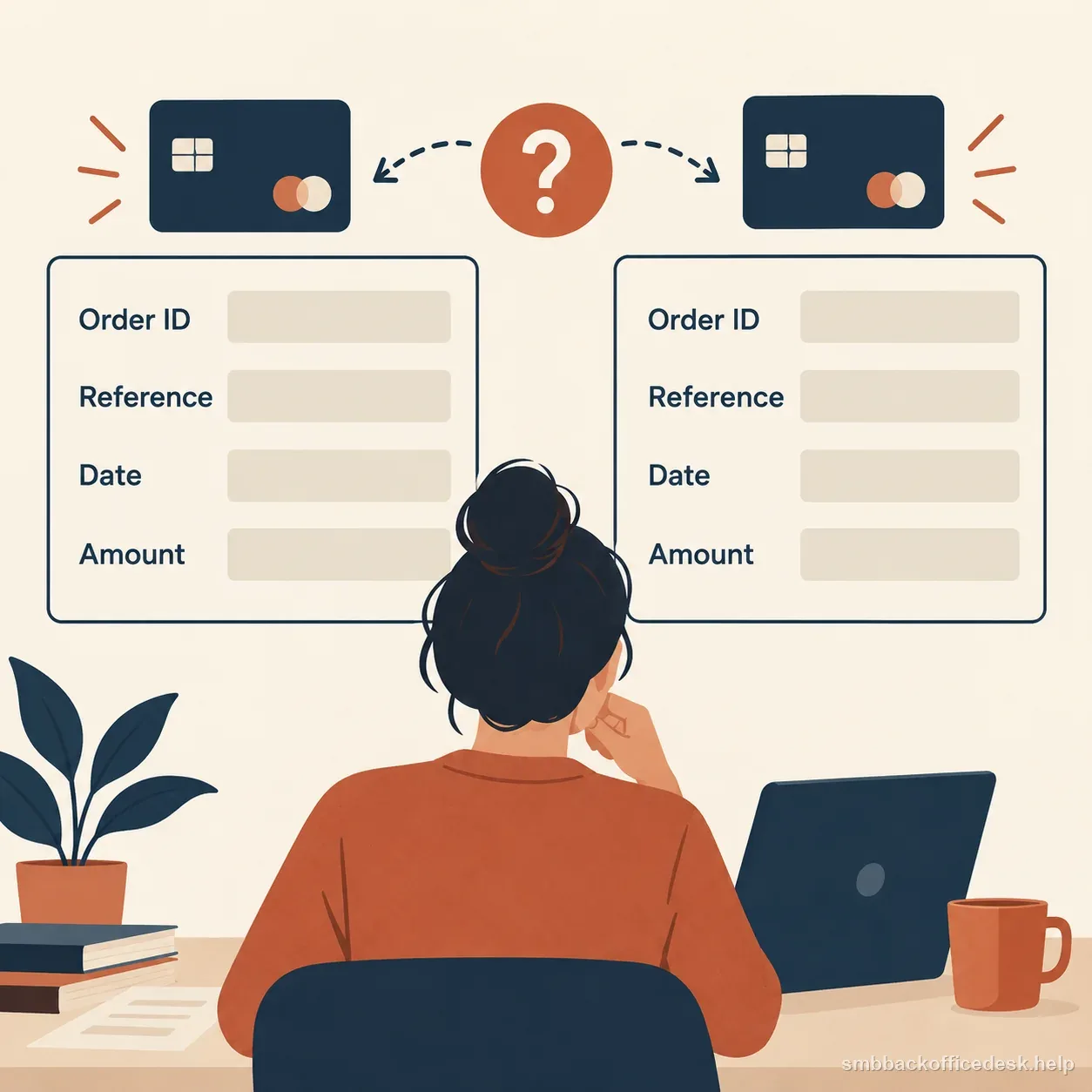
A merchant compares the order ID, transaction reference, date, and amount across two card records before deciding whether they represent a duplicate.
Prevent double capture technically
Use idempotency keys or equivalent platform controls on payment creation and capture. Disable repeat submission while a request is pending, and make retry jobs query the existing payment state before creating another charge. In a manual workflow, show the prior payment clearly before staff can run the card again.
Monitor matching customer or card token, amount, and short time interval for review. Do not auto-block every similar pair: legitimate repeat orders can look identical. Reconcile alert results against separate order and fulfillment records.
Keep any refund linked to the original payment
If you refunded a duplicate, preserve the refund ID, original payment ID, amount, and processor status. A customer may file a dispute before a credit appears on a statement, so show the actual processor record and date rather than an internal “refund approved” label.
Do not issue a second refund after the chargeback has debited the funds unless the processor instructs you to. Check the dispute and refund states first to avoid reimbursing the customer twice.
Reconcile the settled entries to the payout before responding
Before submission, compare the suspected pair with the processor’s settled transaction or payout report. Confirm whether both entries became settled merchant payments, whether either was reversed before settlement, and which batch or payout contains each payment when those references are available. This is the final check when storefront, gateway, and bank views disagree.
If two payments settled, connect each to a separate order, invoice, or contractual obligation—or acknowledge that the ledger shows a duplicate. If a refund appears in a later payout, include its processor record and timing so an earlier snapshot is not mistaken for proof that the merchant kept both payments.
Build the exhibit in a reviewer-friendly sequence: a short finding, the two payment records, the matching orders or invoice allocations, then the settlement or refund proof. Follow the processor’s exact reason code and submission requirements. The issuer decides from the evidence; a complete, concise reconciliation makes the actual ledger easier to evaluate.